
Resize Video Online Free with AI
Change video aspect ratio for any platform — YouTube, Instagram, TikTok, and more. Our AI expands your video canvas instead of cropping, so you never lose a single frame of content. Fast, free, and no quality loss.
Click or drag video to upload
Upload a video file to process. Your files are securely encrypted and processed.
Upload video to see result
Why Choose Our AI Video Resizer?
Traditional video resizers crop your footage or add ugly black bars. Our AI-powered tool does something smarter — it expands your video canvas with intelligent scene generation, keeping every frame intact.
Expand, Don't Crop
Unlike traditional tools that cut your video to fit, our AI extends the canvas by generating new visual content that matches your scene. No cropping, no content loss.
No Quality Loss
Change video size or resolution without degrading image quality. Export in up to 4K, 1080p, or 720p — your resized video stays sharp and clear.
Instant Aspect Ratio
Switch between 16:9, 9:16, 1:1, 4:5, and more with a single click. Our video resolution changer automatically adapts your content for any platform.
Maintains Motion
Our AI doesn't just fill in static pixels. It understands movement, lighting, and scene context to generate expanded areas that flow naturally.
No Software Needed
Upload, resize, and download all in your browser. No installations required, and a free account gets you into the workflow in seconds.
MP4, MOV, AVI & More
Our video file resizer supports all major video formats. Upload any file and export in your preferred format and resolution.
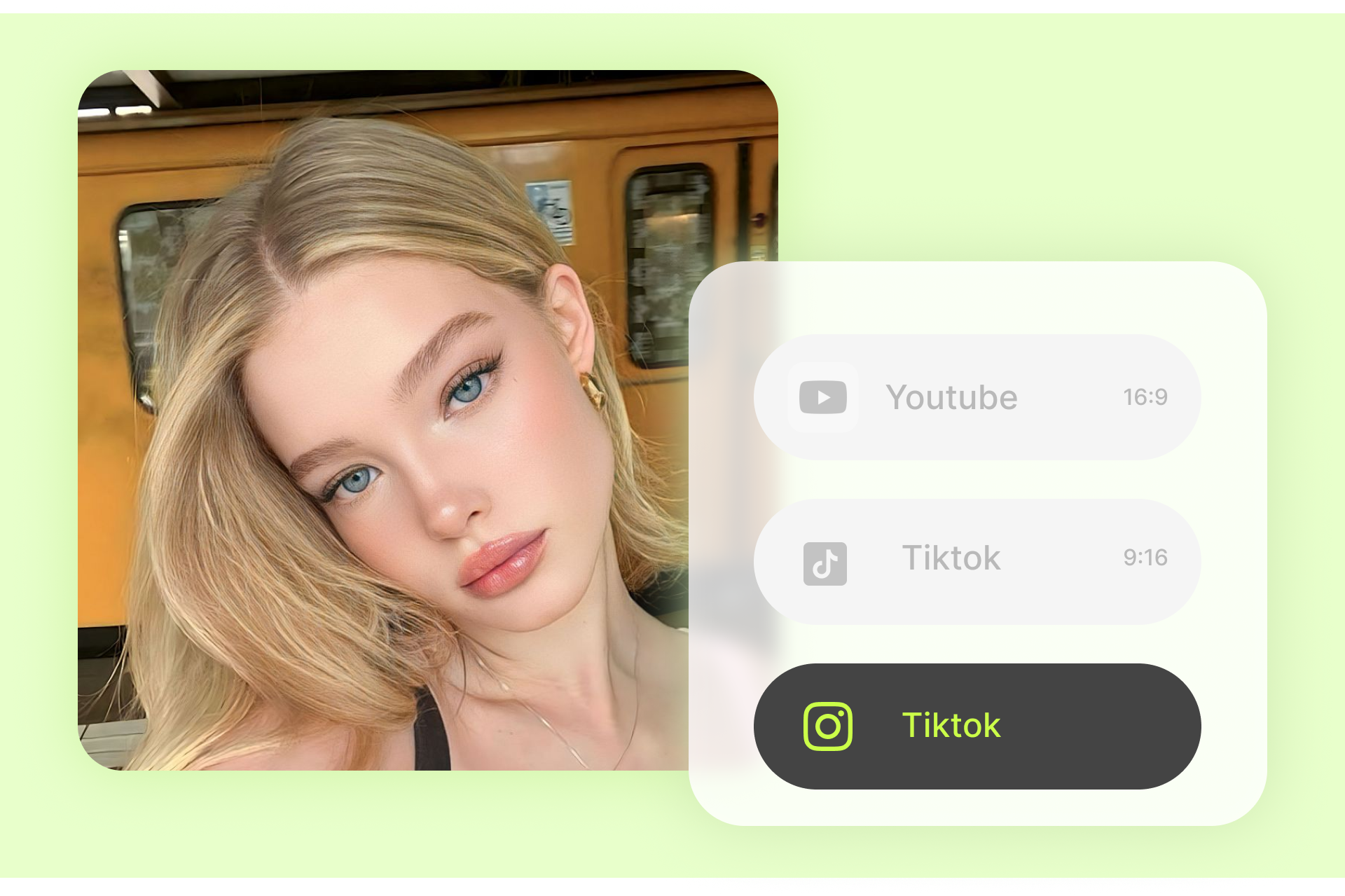
Resize Video for Instagram, TikTok & YouTube
Instantly change video size for Instagram Reels (9:16), TikTok (9:16), YouTube (16:9), YouTube Shorts (9:16), and Facebook (4:5 or 1:1). One upload, multiple outputs — all perfectly framed with AI-expanded backgrounds.
Resize for Instagram Story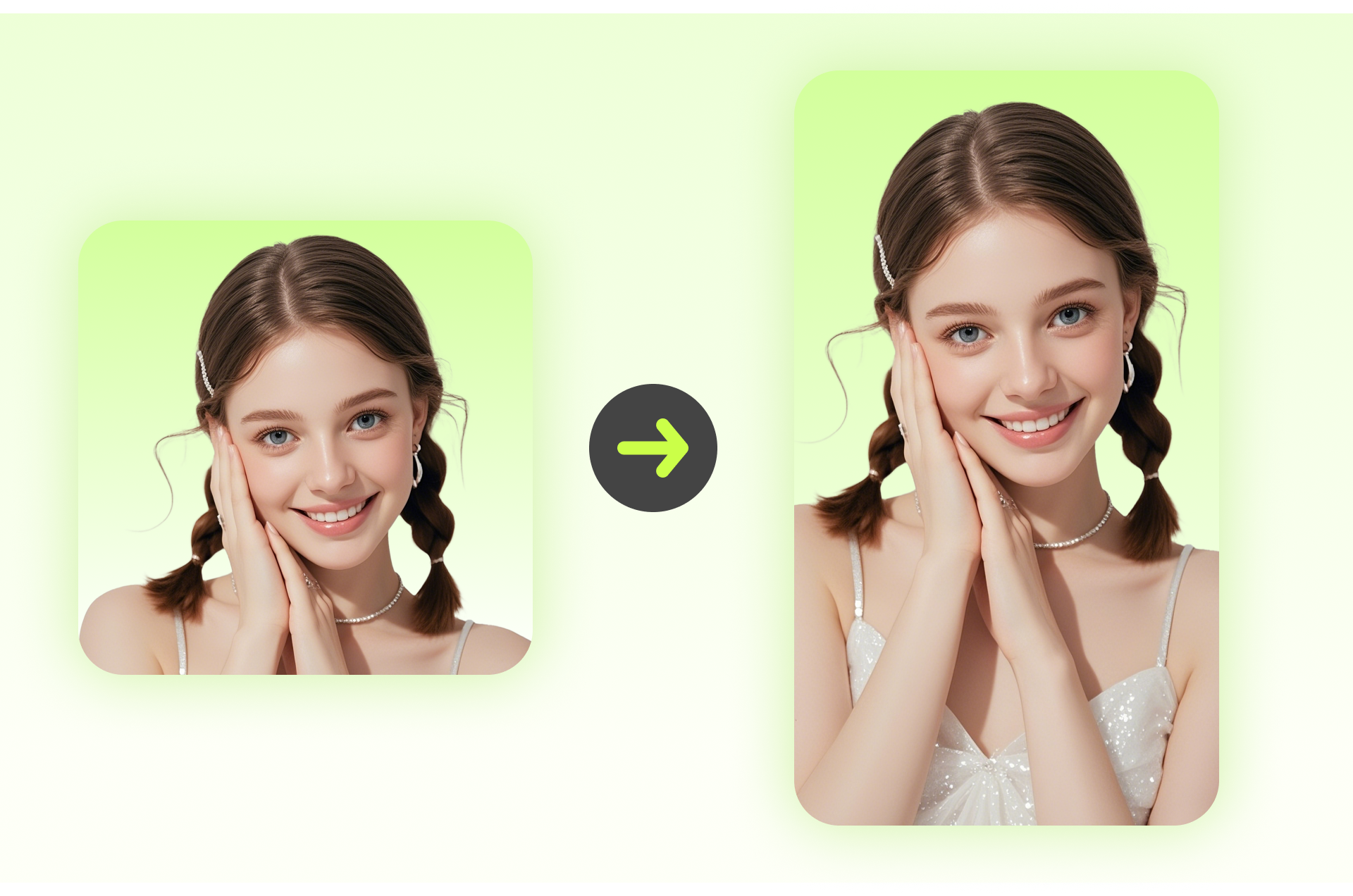
Adjust Video Dimensions for Ad Campaigns
Running ads across Facebook, Twitter, and LinkedIn? Each platform demands different dimensions. Use our aspect ratio video converter to adapt one master video for every ad placement — saving hours of manual editing.
Resize for Facebook AdsHow to Resize Video Online in 3 Simple Steps
No technical skills needed. Resize your video and change aspect ratio in under a minute with our free online tool.

Upload Your Video
Drag and drop your video file into the editor or click to browse. We support MP4, MOV, AVI, WebM, and other popular formats.

Choose Your Target Size
Select your desired aspect ratio from presets — YouTube (16:9), Instagram Story (9:16), TikTok (9:16), or enter custom dimensions. Our AI will automatically expand your video canvas.

Download Your Resized Video
Preview the AI-expanded result, choose your output resolution (up to 4K), and hit download. Your resized video is ready to publish.
AI Video Expansion vs. Traditional Cropping
See the difference. While other tools shrink videos by cutting content, our AI resizer expands your video into a brand-new canvas — preserving everything.
| Feature | Traditional Resize / Crop | Videdonl.com AI Resize |
|---|---|---|
| Changes aspect ratio | Crops content to fit | Expands canvas with AI |
| Content preservation | Important elements get cut off | Every frame stays intact |
| Black bars / blur fill | Often adds black bars or blurry borders | Clean, natural AI-generated expansion |
| Motion continuity | Not applicable | AI maintains motion & scene flow |
| Quality after resize | May degrade | Up to 4K output, no quality loss |
Resize Video for Any Platform — Aspect Ratio Quick Guide
Not sure what video size you need? Here's a quick reference for the most popular platforms and their recommended video dimensions.
Loved by Creators, Marketers & Teams
See why thousands of professionals choose videdonl.com to resize video for their projects.
"I used to spend 30 minutes manually resizing every video for different platforms. Now I upload once, pick my sizes, and the AI does the rest. The expanded backgrounds look incredibly natural — my team couldn't believe it wasn't shot that way."
Sarah M.
Social Media Manager
"I needed to turn my 16:9 YouTube videos into 9:16 for TikTok and Shorts. Every other tool just cropped the sides off and ruined my compositions. Videdonl.com's AI expansion kept everything in frame and added natural-looking backgrounds. Game changer."
Jason L.
YouTube Content Creator
"We run ads on Facebook, Instagram, Twitter, and LinkedIn — each needs different aspect ratios. This free online video resizer saved our team hours every week. The quality is consistently excellent and the AI fill is seamless."
Maria G.
Digital Marketing Director
Frequently Asked Questions About Resizing Video
Got questions about how to resize video online? Find quick answers below.
Simply upload your video to videdonl.com, select your target aspect ratio (like 16:9, 9:16, or 1:1), and click resize. Our AI-powered tool expands your video canvas to fit the new dimensions — no cropping, no quality loss. It's completely free to use with no software installation required.
Related AI Video Tools You'll Love
Resize is just the start. Enhance, compress, upscale, or edit your videos with our complete AI video toolkit.
Ready to Resize Your Video?
Stop cropping. Start expanding. Upload your video now and let AI resize it for any platform with a free account, fast processing, and zero quality loss.
Resize Video Now — It's Free